Cheapest can change once the detour is counted
Compare the price difference with the extra fuel used to reach the stop. A smaller top-up can turn a worthwhile diversion into a more expensive fill.
Compare the station price with your entered reference price, or the highest eligible price in the route search if you leave it on Auto. Multiply the price difference by your fill litres.
Use UK MPG and the extra distance to calculate detour fuel. This planner checks road detours for the three initially strongest candidates and labels other distance estimates.
Subtract detour fuel cost from the pump-price saving for your chosen fill amount. The web estimate excludes live traffic and the value of your time. App traffic features depend on your plan and allowances.
How savings are calculated. If a route cannot be found, try full postcodes or search near your destination. For a known mileage, use the journey cost calculator.
Our motorway price report (4 September 2026 snapshot) gives national context, not a promised saving for your journey.
Compare prices and estimated detour savings here. Save your vehicles and fill-ups in the app, with live traffic checks within your plan allowance.
Compare the price difference with the extra fuel used to reach the stop. A smaller top-up can turn a worthwhile diversion into a more expensive fill.
The app adds live traffic checks. This web planner compares road distance and fuel costs; check your navigation app for current delays before setting off.
Choose a station using its price and estimated detour saving, then open directions in Google Maps. Read how Google Maps fuel prices and Route & Fuel work together.
Set your normal UK MPG and planned fill litres for a useful comparison. Allow for the fuel already in your tank when deciding which stations you can reach.
Enter where you are starting and where you are going to see matching petrol or diesel stations along your route. Compare the pump price, extra driving and estimated saving for your planned fill before choosing a stop.
Compare the actual route and station list here, then open your chosen stop in Google Maps. The app keeps favourites and fill-up history for the journeys you repeat.
Find stations and compare estimated detour savings on the free website. The app keeps your vehicles, favourites and fill-up records together, with live traffic checks and alerts according to your plan and allowance.
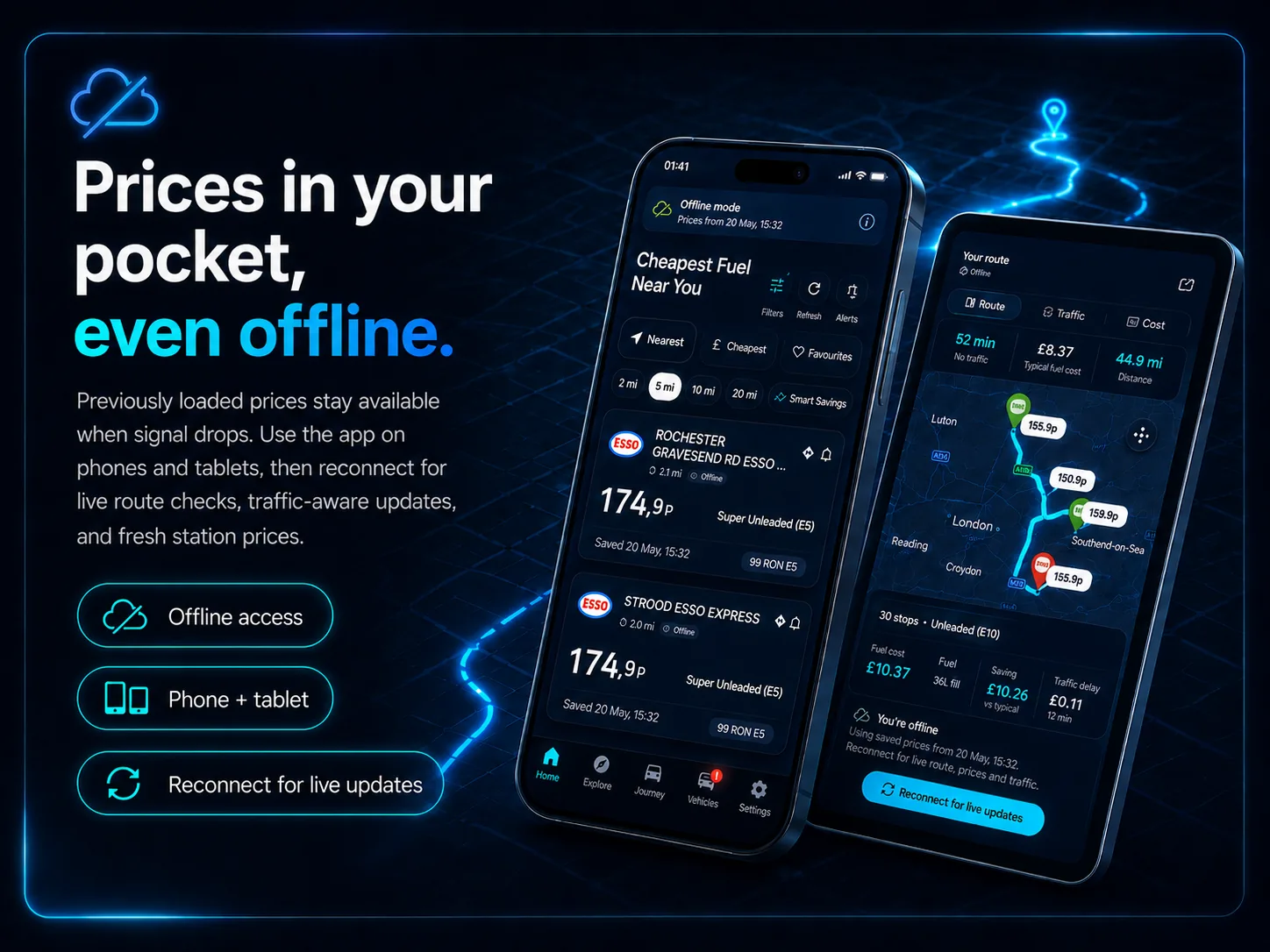
Route & Fuel is built as a phone and tablet app, so already downloaded fuel prices and station data remain on your device on the go when mobile signal is patchy. Live route calculations and live traffic still need a connection, but your last saved price information, favourites and recent fuel details are not lost.
These links calculate a fresh route between postcode-area centres using E10, 45 UK MPG and a 55-litre fill. Replace the example codes with your full postcodes for a personal journey. The route chosen by the service may use different roads from the guide.
Start with central London and Birmingham postcode areas, then compare the current route results.
Manchester to LeedsCompare a journey between Manchester and Leeds postcode-area centres with the latest available station prices.
Bristol to LondonUse Bristol and central London postcode-area centres to start your price and extra-driving comparison.
Birmingham to ManchesterCalculate between Birmingham and Manchester postcode-area centres, then adjust the grade, MPG and fill amount.
Read the journey guides: London to Birmingham, Manchester to Leeds, Bristol to London, Birmingham to Manchester and Leeds to London.
Enter your start, destination, fuel type and MPG in the planner above. Open advanced route options to set your fill amount and reference price. Compare the resulting station prices, road detours and calculated savings, then open directions to your stop.


Enter your start and destination to see petrol stations on your route. Compare each stop's pump price with the extra miles and fuel used, using your UK MPG and planned fill litres. Open a chosen stop in Google Maps for directions.
Not always. The calculated saving subtracts extra driving fuel costs from the price difference on your fill. A smaller fill, lower MPG or longer diversion can make the cheaper pump price cost more overall. Live traffic and the value of your time are not included in this web calculation.
Yes. Select E10 petrol, B7 diesel, E5 super unleaded, premium diesel, B10 or HVO. Each search compares the selected grade only; availability varies, so use a grade approved for your vehicle.
Enter the price you would otherwise pay in Reference price under Advanced route options. If left on Auto, the planner uses the highest eligible price in the route search. The result states the comparison price and fill litres. Your personal saving can be smaller if you normally buy cheaper fuel.
Supported towns and cities use a settlement centre; add a county after a comma for ambiguous names, such as Ashington, Northumberland. An outward code such as M1 uses its postcode-area centre, while a full postcode gives a more precise starting point when available. A motorway name alone is not a supported endpoint: enter a town or postcode at each end and check the route on the map.
Compare route stops and calculated savings here. Use the app for saved vehicles, live traffic checks, station history, favourites, price alerts and fill-up history.
See how listed station prices, current fuel level, reachable stops, extra driving, live traffic, saved MPG, directions in Google Maps and fill-up savings history work together.
How we calculate fuel savings