
Your vehicle
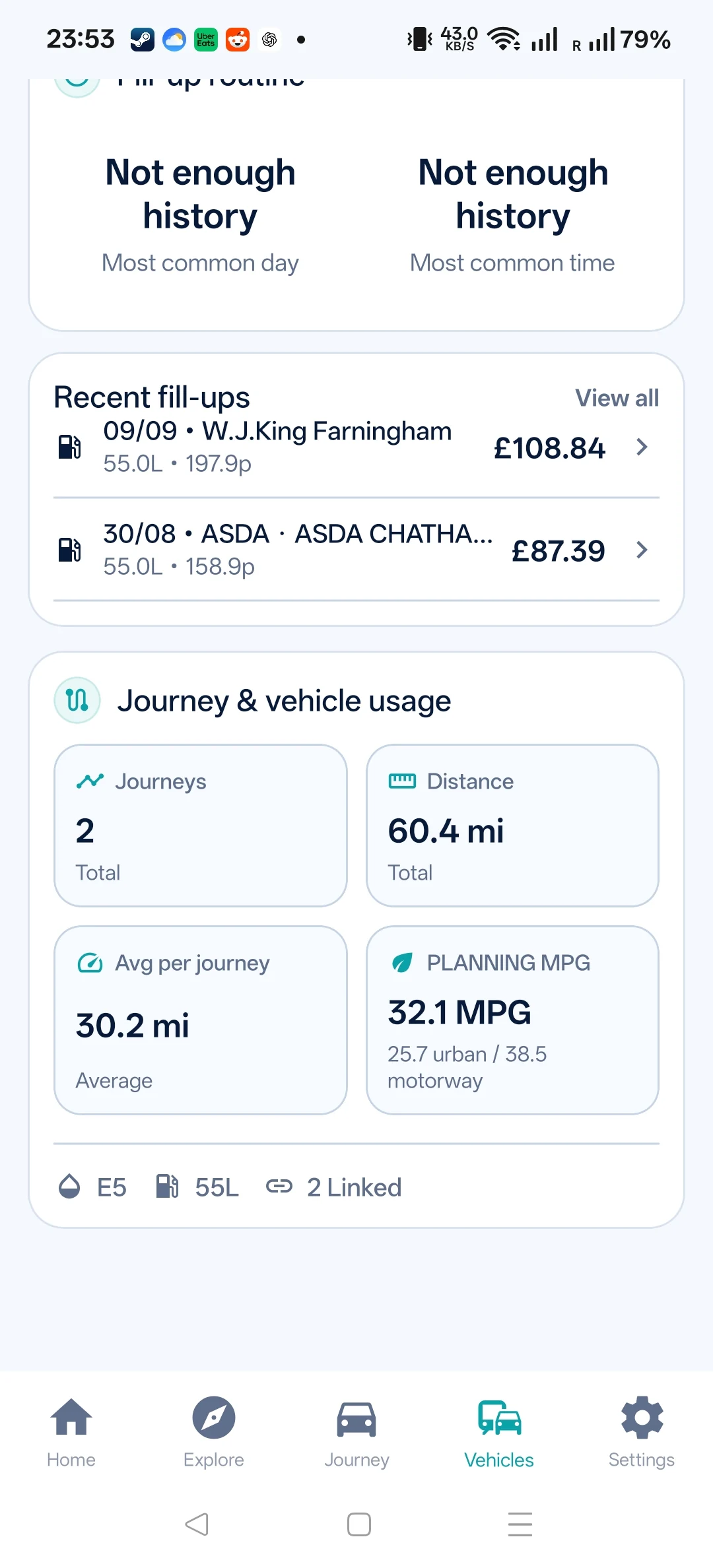
Keep fuel type, tank size and economy details so estimates use your car rather than a generic average.
Find cheap fuel, compare useful stops along your route and see how much of the price saving remains after the extra drive.


 Nearby pricesRoute & Fuel app
Three steps built around a real journey, not a long feature list.
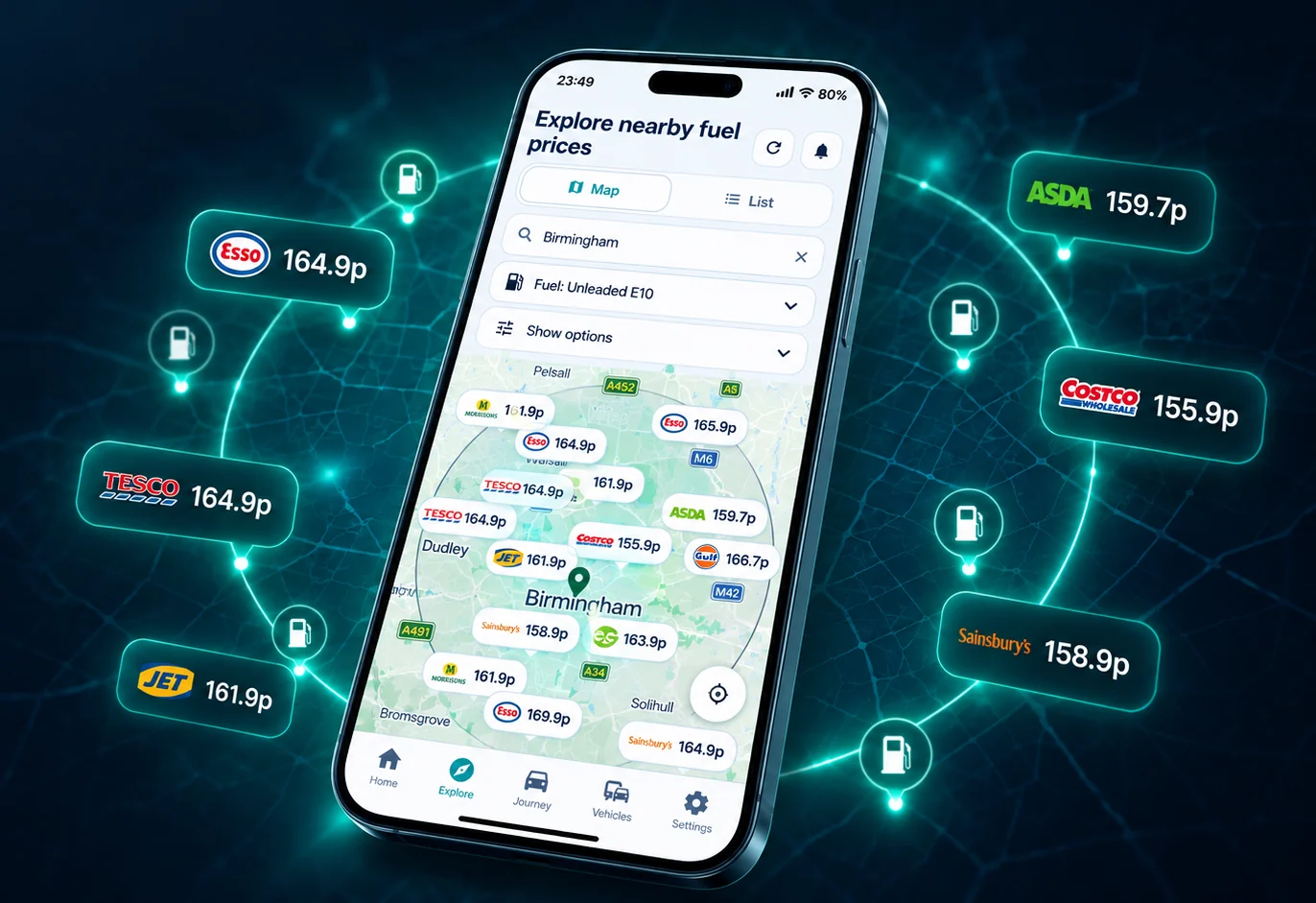
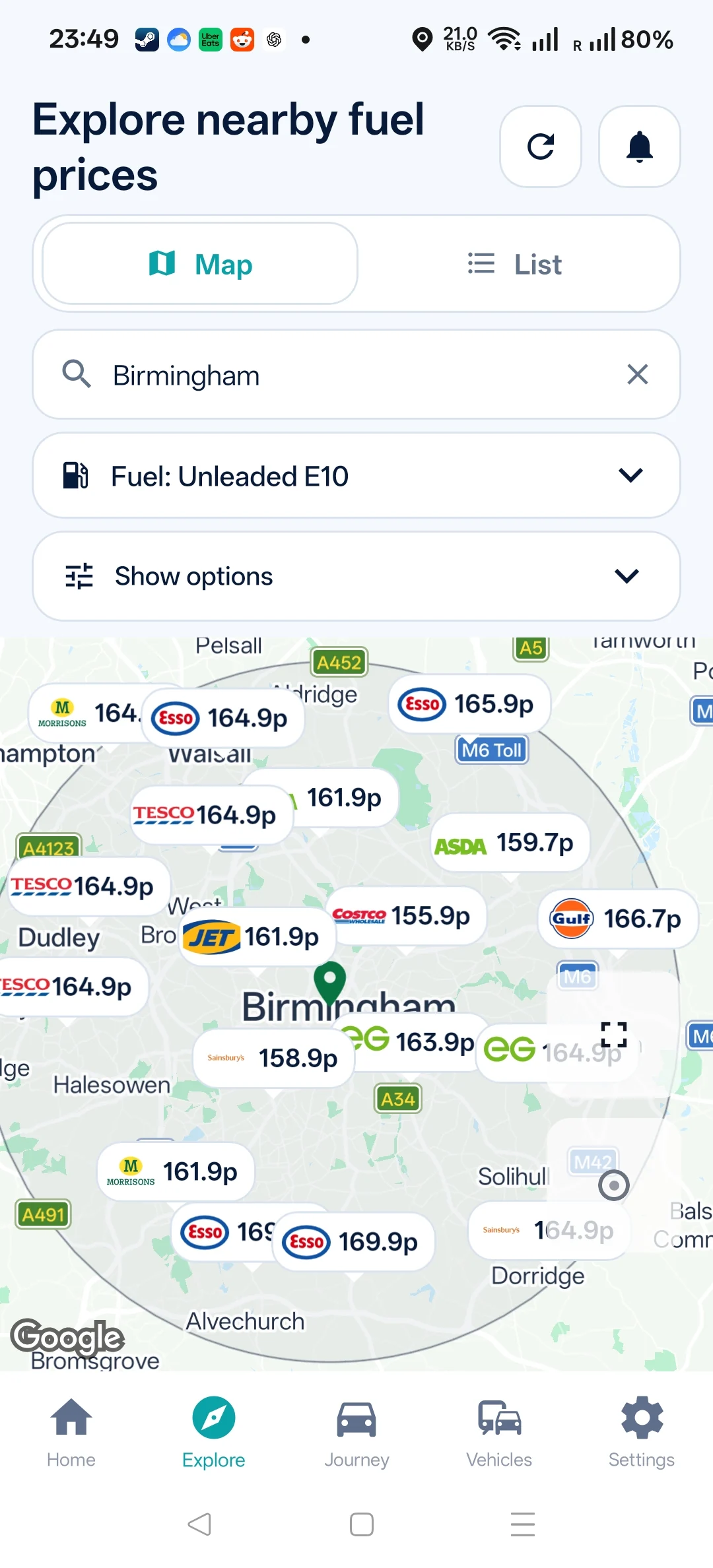
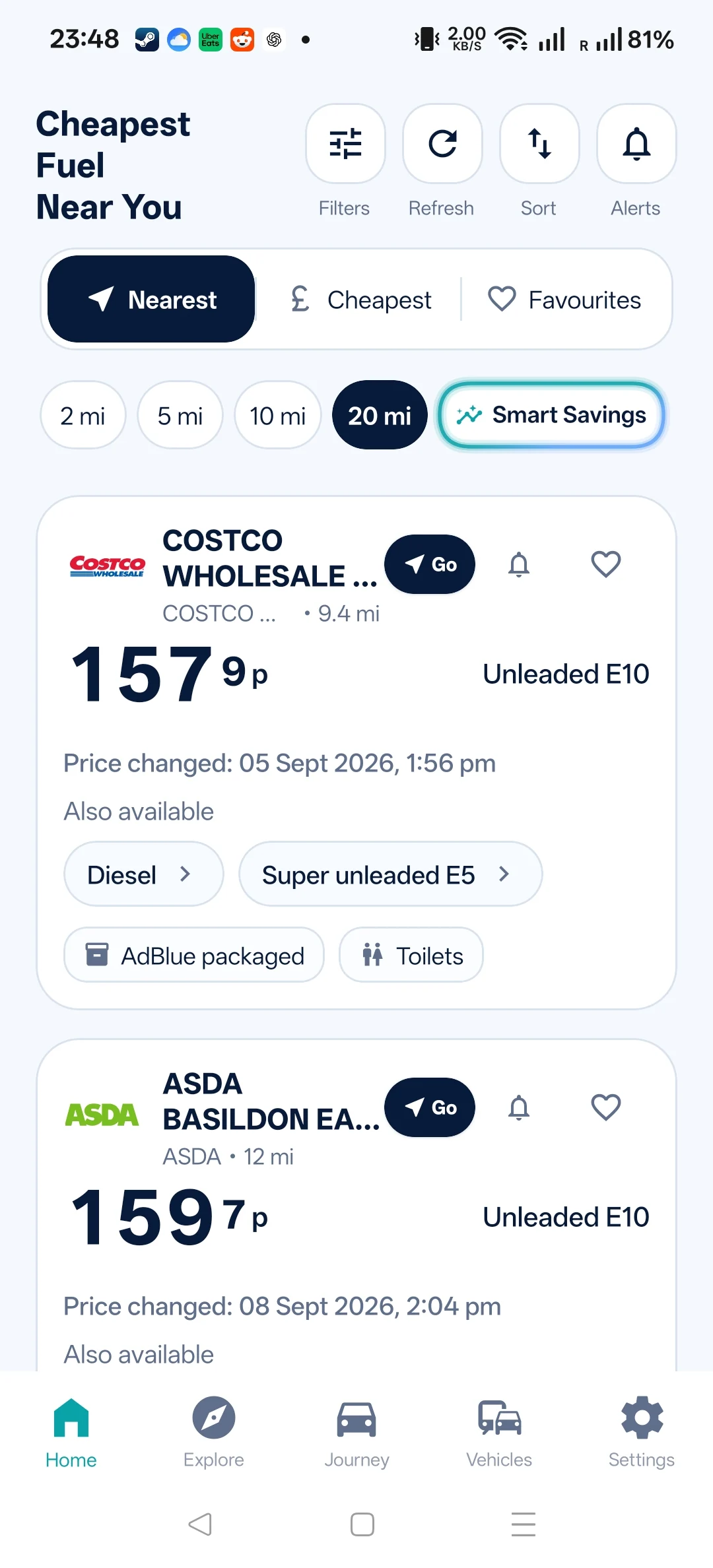
Explore nearby prices, how far each stop is from your journey and fuel grade. A lowest-price headline does not help if it is nowhere near the journey.
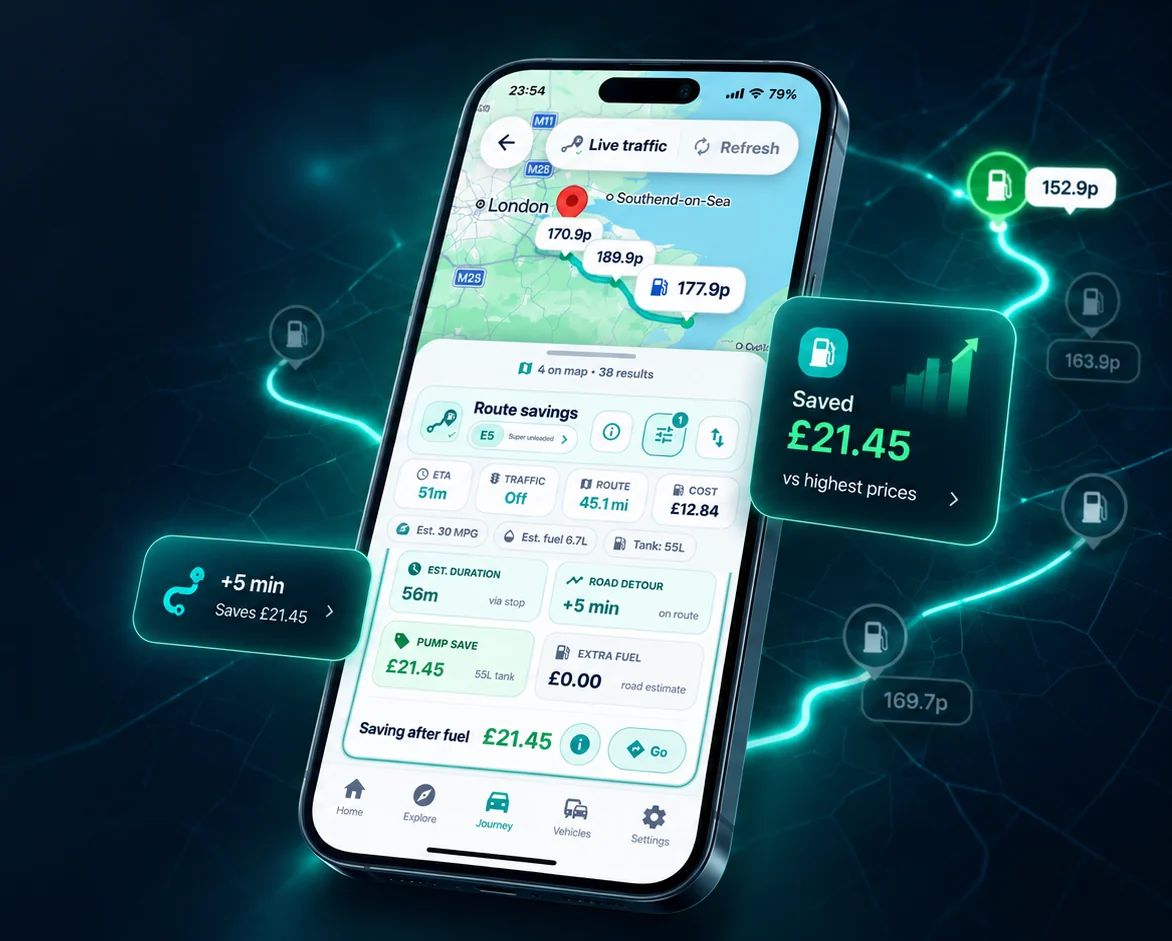
Use your MPG, fill amount and extra road miles to estimate the saving after detour fuel. Live traffic checks help you assess the extra time; plan allowances apply.
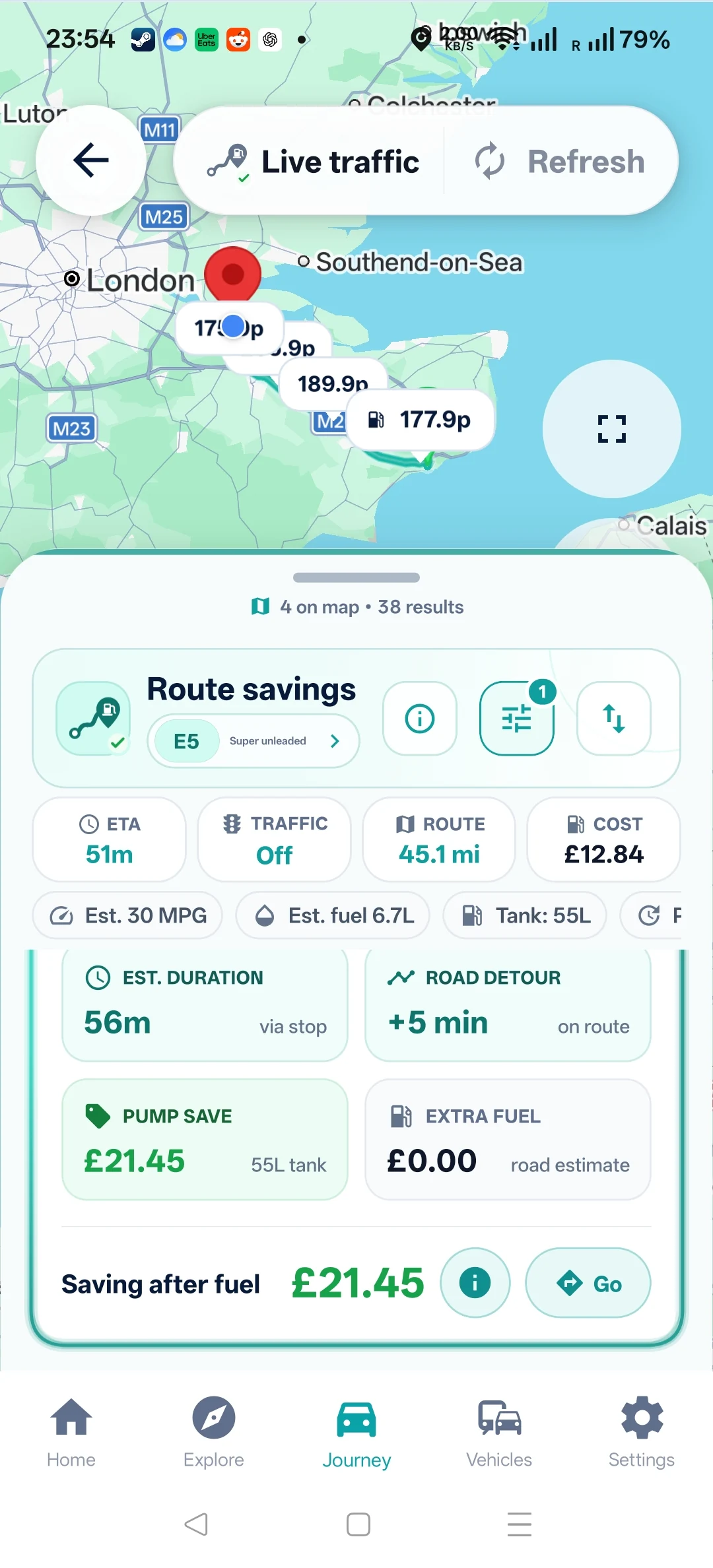
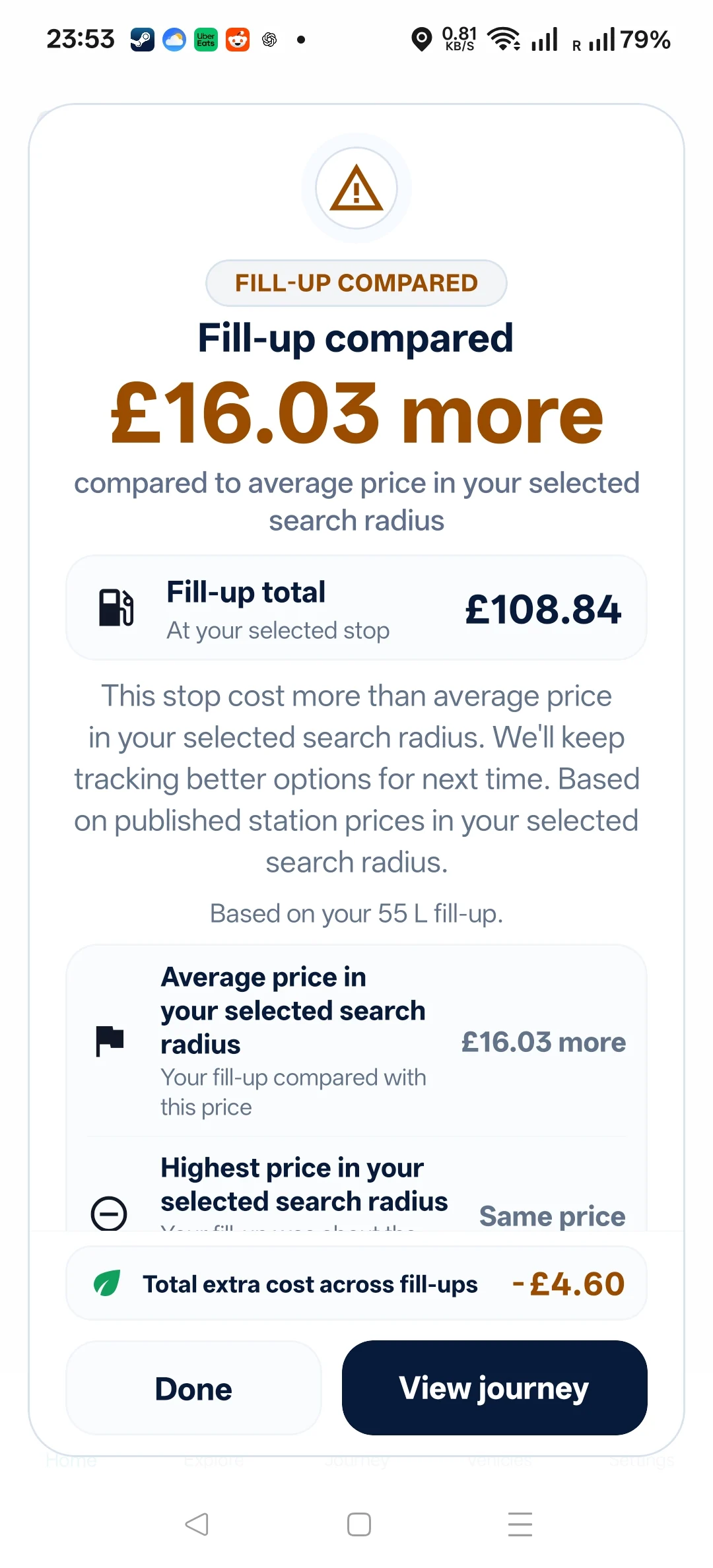
Separate gross price saving, detour fuel cost and what remains. Open Google Maps after you have chosen the stop. See how Route & Fuel works with Google Maps.
The route decision comes first. These extra features make the app quicker and more personal each time you use it.
Keep fuel type, tank size and economy details so estimates use your car rather than a generic average.
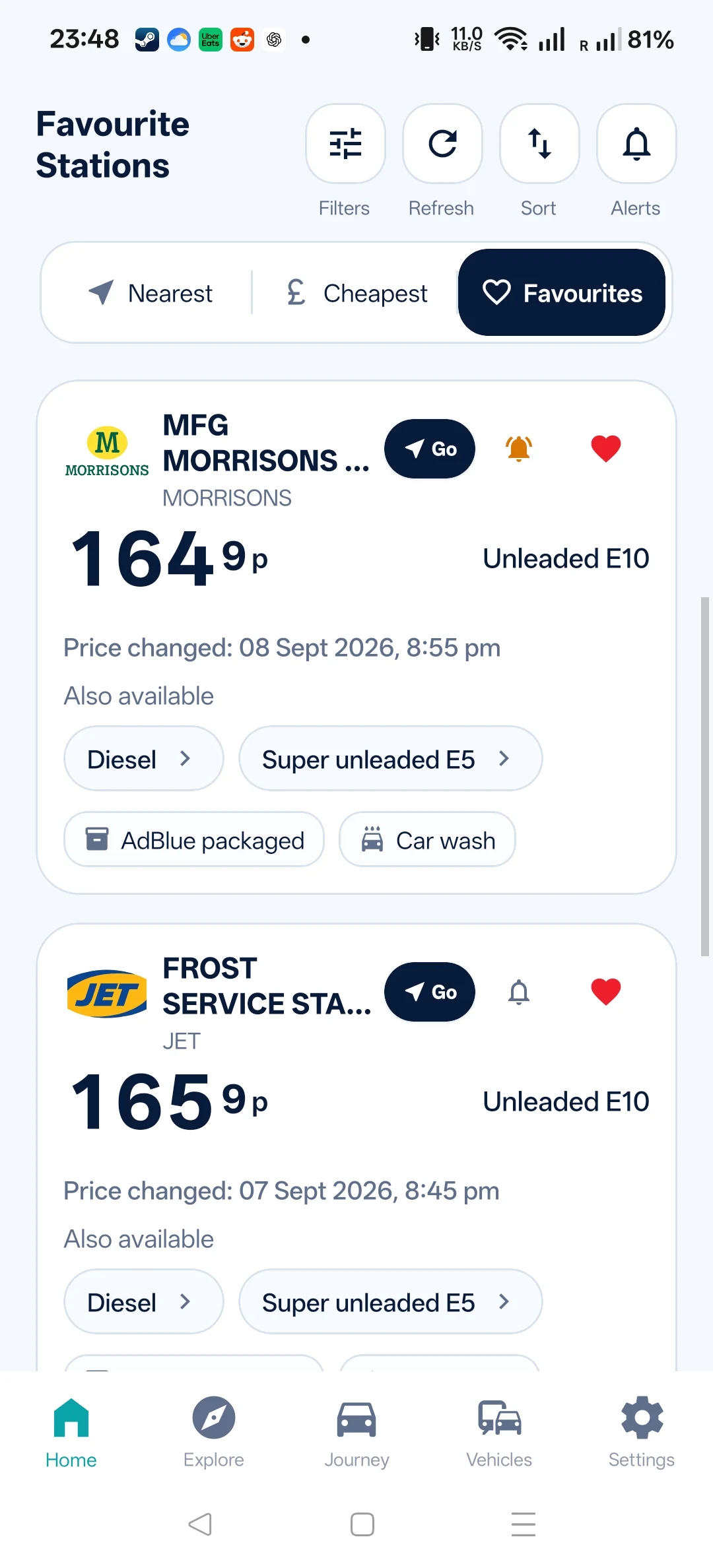
Keep the stations you care about and return to them quickly.
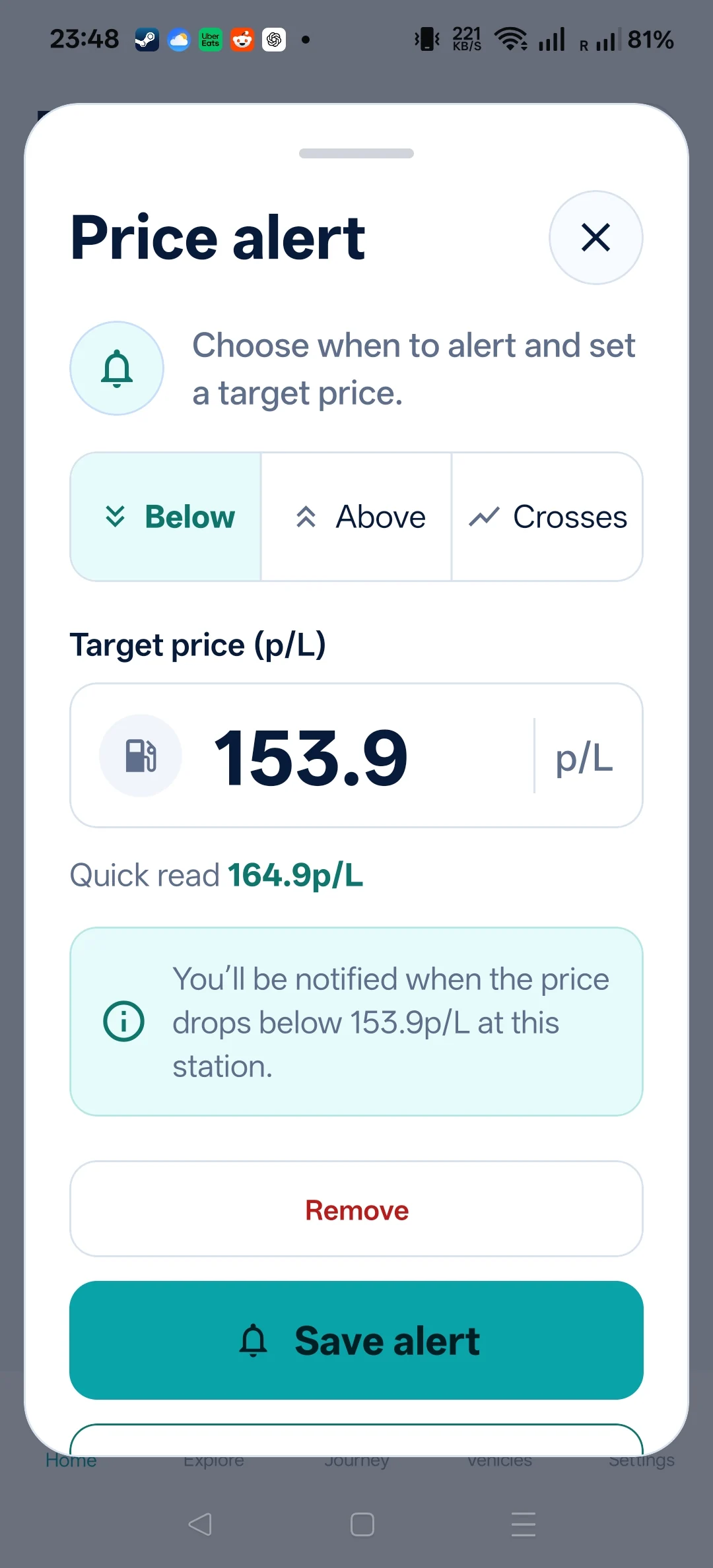
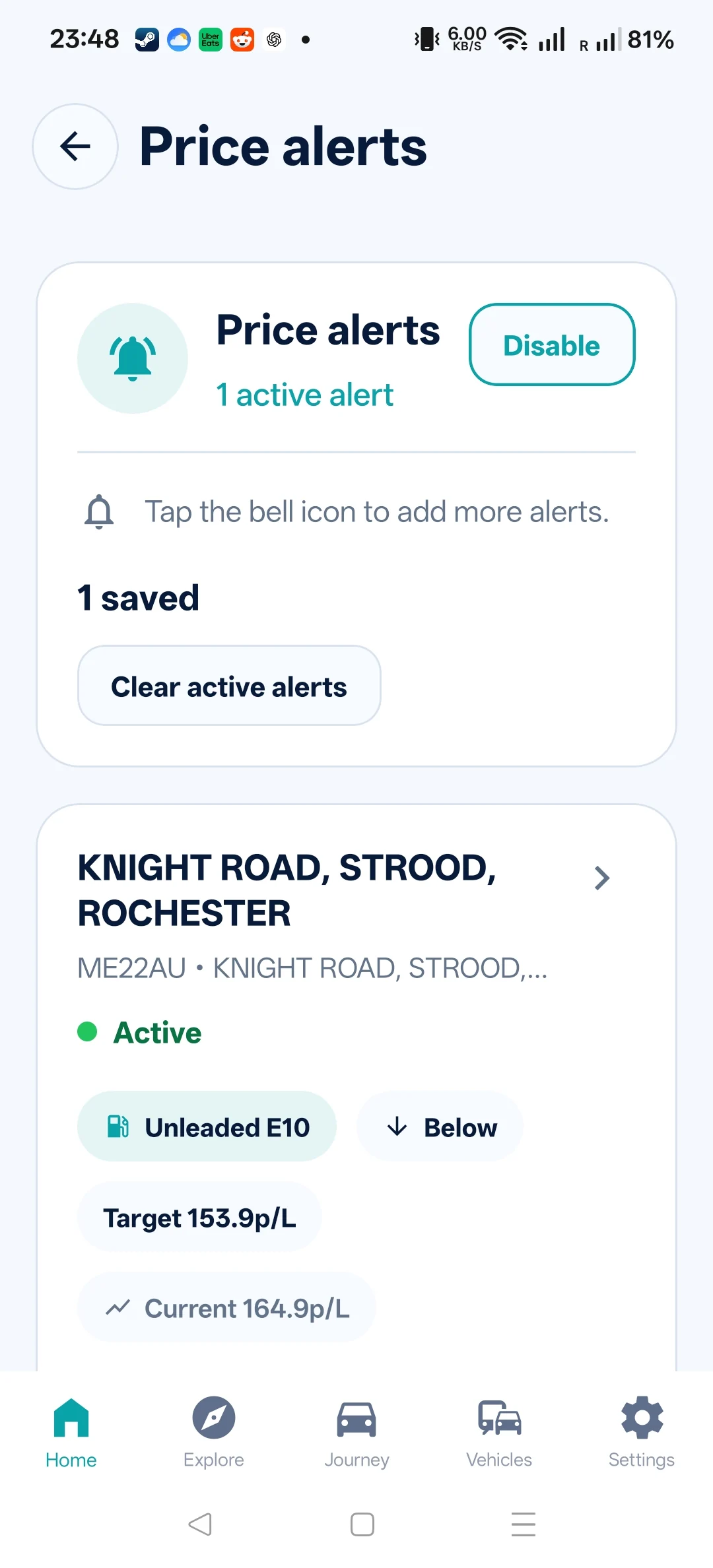
Watch meaningful changes without treating every tiny movement as urgent.
Previously loaded information can remain available through patchy-signal journeys, then refresh when connected.
See whether a cheaper stop still saves money after litres, detour fuel and your vehicle details are counted.
Save journeys and fill-ups, then review litres, spend and calculated savings over time.
Check opening times, facilities, fuel grades and station price history before choosing a stop.
Compare standard and premium grades, including E5 super unleaded and 99 RON petrol. Check that the station product meets the octane requirements of your vehicle.
Choose your language, currency, price units and light or dark mode.
The app is free to download with optional Plus and Pro subscriptions. The current price, billing period and purchase confirmation are shown in the App Store or Google Play before you subscribe.
Quick answers about platforms, fuel grades and directions.
Yes. Use the App Store and Google Play buttons on this page to open the current listing for your device.
Yes. Route & Fuel is built around UK petrol, diesel and premium fuel prices.
Yes. The app supports standard and premium fuel grades when stations publish them.
No. It helps choose the fuel stop, then opens the selected station in Google Maps for directions.


